Web security · Bug bounty walkthrough
How I Bypassed an IP Whitelist With One Header
 By Nazeer Ahmed · Redacted bug bounty write-up
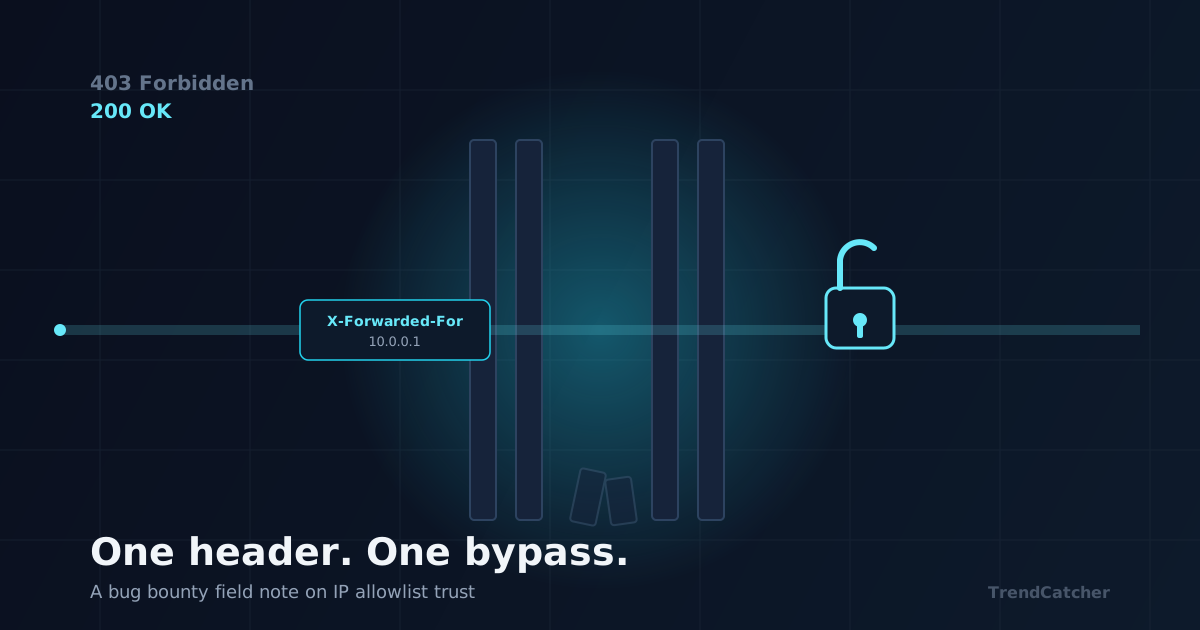
Not every bypass needs a clever payload. Sometimes it just needs a header the server already trusts.
This is a walkthrough of a bug I found, reported, and got paid for — already fixed and closed out. I’ve stripped the company name, the real IPs, the internal hostname, and anything else that could point back to the target. What’s left is the method, because the method is what travels to your next target.
The setup
The target had an internal tool sitting behind what looked like a hard perimeter — the kind of thing a company assumes is invisible from the outside: a build server, an internal dashboard, a code-quality scanner, something along those lines. Hit it directly and you got a clean 403 Forbidden. The team believed this was unreachable from the public internet.
It wasn’t unreachable. It was gated by an IP allow-list enforced at the edge — a reverse proxy or WAF deciding who counts as “internal.” And an allow-list built on the wrong signal is one of the easiest “secure” things there is to walk straight through.
The idea behind it
When a request passes through a proxy or load balancer, the backend often can’t see the real client IP anymore — it only sees the proxy’s IP. So proxies forward the original IP in a header, usually X-Forwarded-For (sometimes X-Real-IP, X-Client-IP, or True-Client-IP).
Here’s the catch: that header is just text in the request. If the edge device trusts whatever value shows up in it, instead of checking the actual TCP connection, then anyone can write their own “internal” IP into the header and ask to be let in.
A whitelist that trusts a client-supplied header isn’t a whitelist. It’s an honor system.
What I actually did
- → Found an internal-sounding hostname that still resolved to a public IP — the giveaway that “internal only” might be true on paper but not in the routing
- → Sent a plain request and got the expected
403 - → Added one header —
X-Forwarded-For: 10.0.0.1— and got a200 OKback instead - → Poked around the surface that had just opened up and found admin-style endpoints that assumed “if you got this far, you’re internal” and skipped auth entirely
- → Called one of those endpoints and got real system data back — version info, an internal identifier, state a public user should never see
- → Found the same trust gap let me reach an administrative action, not just a status page
The exact endpoints don’t matter here. What matters is the pattern: perimeter trust was based on a header, not on anything cryptographic or connection-level, and the backend never questioned it again once that header said “internal.”
Why it mattered more than it first looked
This wasn’t just “I can see some JSON.” Once you’re treated as internal:
- → Version and system info become free recon for whoever wants to chain a known exploit against that exact version
- → Admin-only maintenance actions become reachable with no session, no login, no second factor
- → “Internal only” stops meaning anything, for every other service sitting behind the same misconfigured edge
The triage conversation on this one was its own lesson. My initial severity estimate was higher than where it landed — the proof I had showed access, not data exfiltration or irreversible damage, and the program scored it accordingly. Both things can be true at once: a bug can be real, accepted, and paid, and still land at a more conservative CVSS than you first expected. Don’t let that discourage you from writing it up properly.
How to go find this yourself
- → Hunt for hostnames that sound internal —
dev,admin,internal,stage,ci,build,grafana— that still resolve to a public IP - → Get a
403or401? Don’t stop there. TryX-Forwarded-For,X-Real-IP,X-Client-IP,X-Originating-IP,True-Client-IP, one at a time - → Try private ranges when you spoof:
10.0.0.1,172.16.0.1,192.168.0.1,127.0.0.1— don’t assume the dev who wrote the check only allow-listed one of them - → If one header flips the response code, that’s your proof. Now go see what “internal” is allowed to do that “external” isn’t
- → Chain it. A header bypass is rarely the whole bug — it’s usually the door to a bigger one sitting right behind it
One habit worth stealing
Every allow-list, every “internal only” claim, every access-control check — ask what it’s actually checking. A real identity? A signed token? Something about the connection itself? Or just a value the client is free to type in?
If it’s the last one, it’s not a control. It’s a suggestion.
Do you test trust headers by default, or only after a 403 makes you curious?
Get a free bug check for your site or app: trendcatcher.pro